





eBits Academy / Bluetooth
Understanding Bluetooth: Choose the Right Connection for Your Project
Classic, BLE, and the choices that make your next wireless project easier.
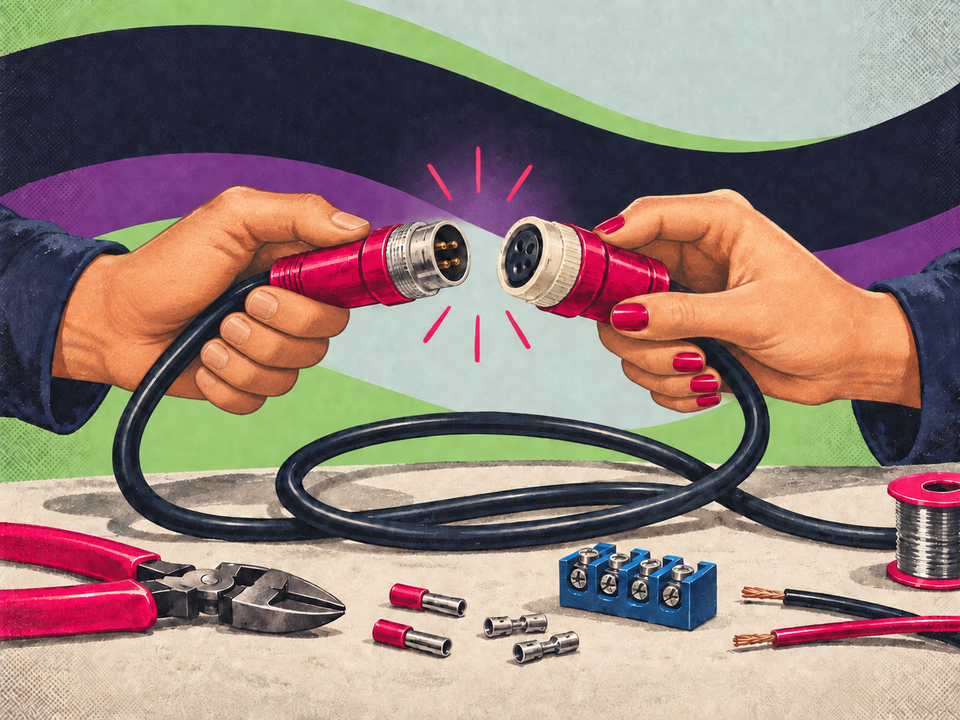
A cable is easy to understand: you can see where it starts and ends. A wireless connection hides that visible link. Before choosing a board or downloading an example, write down what needs to be sent, between which devices, and how often. A temperature reading, a button press, and an audio stream are different tasks.
Here is a practical vocabulary to help you choose a solution and ask a useful technical question if the connection gives you trouble.
Classic and Low Energy are different choices
Bluetooth Classic is used for traditional wireless audio and other applications with continuous data transfer, among other things. Bluetooth Low Energy, usually abbreviated BLE, is common in sensors, controls, and small connected devices. Both are Bluetooth, but a Classic example is not automatically a BLE example. Bluetooth SIG's overview explains the two radio variants.
Do not choose solely by the highest version number in a product description. Start with the feature you need and check that the chip, software, and other device support it.
Know the chip behind the product name
“ESP32” refers both to a family and to the original chip. For example, ESP32-S3 supports Bluetooth LE but not Bluetooth Classic. A project using Classic serial communication therefore cannot be moved to an S3 board simply by selecting another board in the menu. See Espressif's ESP32-S3 documentation.
This matters when comparing boards that otherwise look alike. Note the exact product name and hardware version. If an example uses BluetoothSerial, read its hardware requirements; Espressif describes the library under Bluetooth Classic.
A few concepts that make BLE easier
In a typical BLE project, a peripheral advertises its presence and a central finds it. Once connected, GATT organizes data into services and characteristics. A service groups related functions; a characteristic describes a value and the actions it allows. Connection roles and GATT client/server roles are different concepts. See the introduction to Bluetooth LE.
Imagine a board measuring room temperature. The value of interest might be 21.4 °C, but the app also needs to know how the number is encoded and which characteristic contains it. Seeing the board's name in a scan does not mean the app already understands its data.
Read, write, and receive updates
A read operation requests the current value. A write operation changes a value if permitted. A notification lets the server send an update after the client has enabled it. These are different actions; choose the one that fits your project. The framework is described in the GATT specification.
For a button, you may want an update when its state changes. For a setting, you may need to write a value and have the result confirmed in the app. First describe the desired behavior in plain words.
A good first BLE experiment
- Choose one supported board and one client device. Keep them close together for the first test.
- Install the manufacturer's recommended board package. Start with a BLE example from the installed package instead of mixing several different guides.
- Check that the client can discover the device. Then inspect its services, find the relevant characteristic, and try one action.
- Record the characteristic ID, data format, and expected result. Change one thing at a time.
The ESP32 library overview helps you check support for a specific chip family.
Troubleshoot at the right level
- Nothing appears in the scan: Check the power, the running firmware, and whether the client is scanning for BLE.
- The device appears, but the connection fails: Check permissions, the example's connection limits, and whether another client is already connected.
- Connected, but no useful data: Check the characteristic ID, read/write properties, notification subscription, and data format.
- It works on the bench, but not in the enclosure: Examine antenna placement and test the assembled product where it will be used.
Pairing, connection, and receiving app data are different milestones. Note which ones work; this makes a support question much easier to investigate.
Where does Meshtastic fit in?
Bluetooth can provide the local connection between a phone and its Meshtastic radio, while LoRa carries messages between radio nodes. The two connections have different jobs. Start with our Meshtastic introductionif your goal is a radio network.
Ready to choose hardware? Browse our development boardsor tell us what you want to connect. A useful description names both devices, the data you want to transfer, and whether the example requires Classic or BLE.
 Meshtastic
Get started with Meshtastic
From choosing a board and antenna to your first message between two radio nodes.
Read the guide Bluetooth
Understand Bluetooth
Classic, BLE and the choices that make your next wireless project easier.
Read the guide ESP32 & LED
Build your first circuit
Make an LED blink with ESP32 and understand the connections.
Read the guide